San Francisco · Drive and Fly
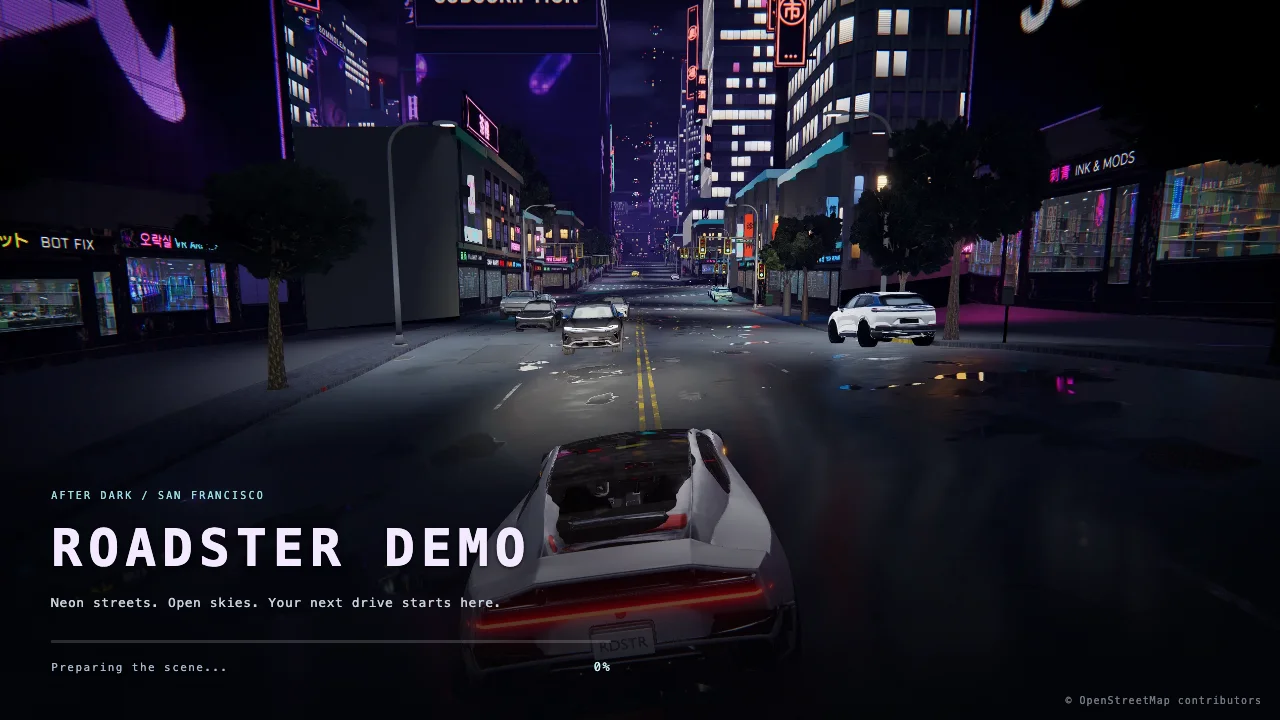
Drive neon San Francisco streets and take to the sky with boost, hover, barrel rolls, and cockpit views.
Opens an external game site in a new tab.
Screenshots
2 imagesBefore you play
San Francisco · Drive and Fly runs in your browser on 2049.pplx.app. Keyboard controls are supported. It is free to play.
About San Francisco · Drive and Fly
San Francisco · Drive and Fly combines street driving with aerial exploration after dark. Accelerate through neon streets, use boost and powerslides on the ground, then lift off to climb, hover, bank, and roll. Switch between camera views or enter the cockpit while exploring. The original site includes a Roadster demo and a San Francisco driving-and-flight scene, with OpenStreetMap attribution.
How to play
- Use W or up arrow for throttle and forward thrust, and S or down arrow to brake, reverse, or descend in flight.
- Use A/D to steer on the ground and bank and turn in the air.
- Hold Space to take off or climb, release it to hover, or tap it to hop.
- Use Shift for boost, Q/E for barrel rolls, and X with steering to powerslide.
- Press C to change camera, V for cockpit, or H to hide help.
A few things to know
Will it work on my phone?
Phone support has not been confirmed yet. Try a computer if the touch controls don’t respond.
Does it cost anything to play?
You can play for free. Any optional purchases are listed by the game itself.
Can I play with other people?
No. This is a single-player game and does not support multiplayer.